
Appearance
Turbo June 21 Update also introduces Workspace Notifications and improved Single Sign-On and Storage integrations.
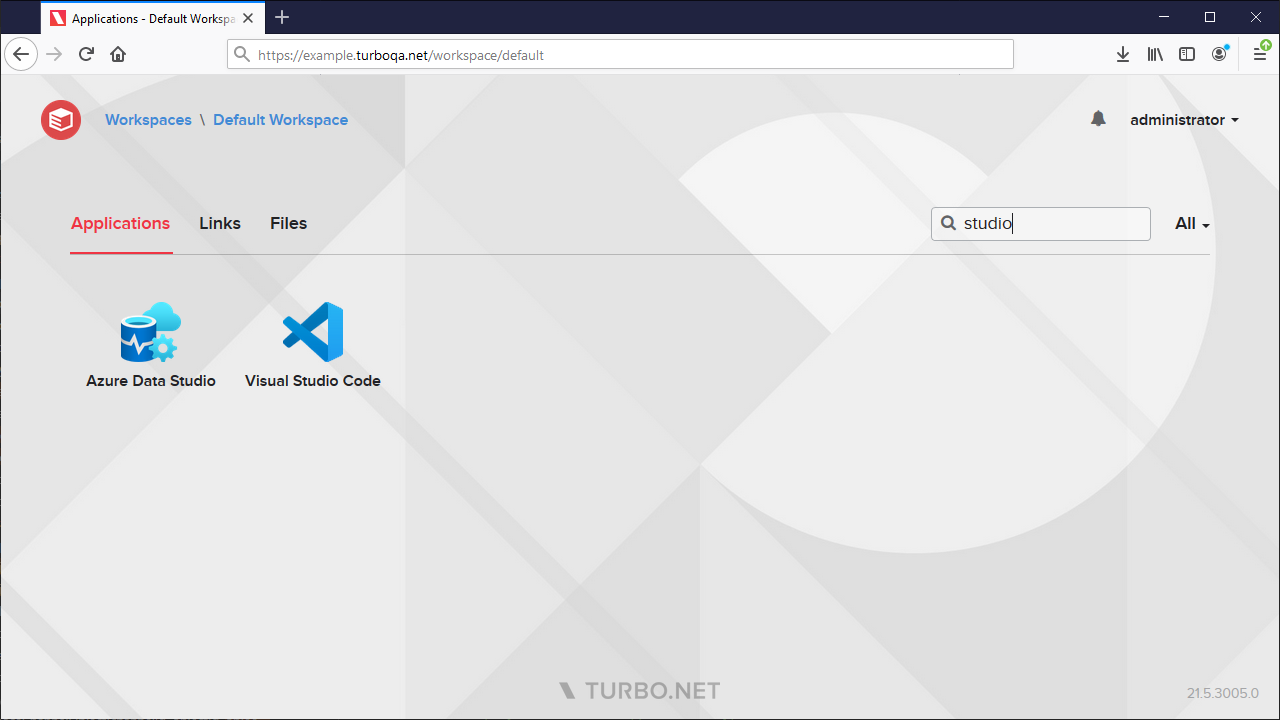
Dashboard Search
Search is now available on the Portal Dashboard! Quickly find apps, files, and resource links.
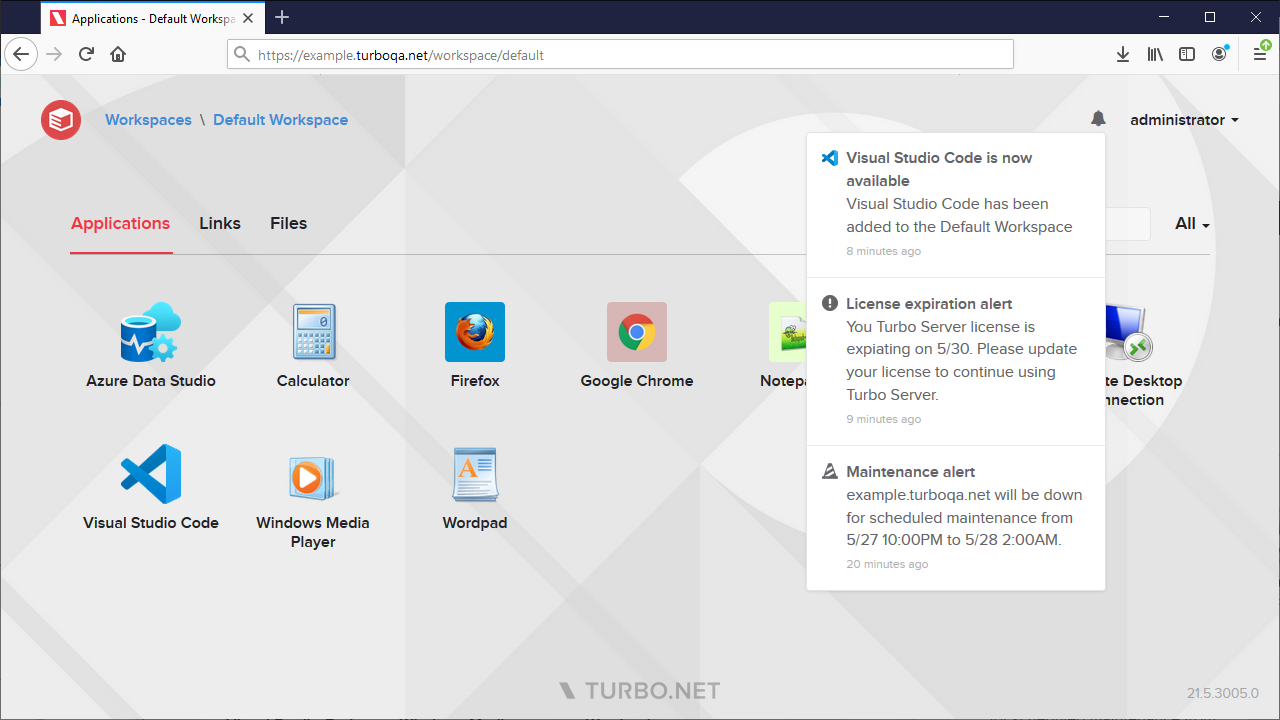
Notifications
Let users know about changes to the Workspace, app updates, and scheduled maintenance with integrated notifications.
Other improvements include:
- New Automatically Grant Permissions option in the Learning Management System (LMS) integration allows automatically granting user level permissions to the configured workspace upon access.
- Added User Management to the portal channel administration.
- Improved portal channel administration navigation on mobile devices.
- The HTML5 client now shows more accurate troubleshooting details if the Turbo Client was not installed correctly on the Application Server.
- The Run in Cloud (Windowed) launch page text and troubleshooting details are now consistent with the HTML5 client.
- Workspace applications are now be created with unique display names by default.
- The workspace application Test actions are now enabled based on the application settings, application server settings, and application server availability.
- The Dropbox integration has been updated to support upcoming Dropbox OAuth API changes.
- Added a progress indicator to the Reset User Sandbox dialog and added the ability to delete user sandboxes.
- Users are now removed from Single Sign-On (SSO) groups automatically during SSO login if they were removed in the external identity provider.
- The Workspace Administration dashboard now has a custom date range selector with improved visualization of session launches.
- Updated various strings and administration site visuals.
This update includes fixes for the following issues:
- HTML5 client audio was cutting out for certain applications.
- Custom Image Path settings were not being applied for a short time after server upgrade.
- The administration site would display an error on the first access after upgrade.
- Deleting an LMS course resulted in an error.
- The workspace link Open in New Window setting was not being applied properly on submission.
- Automatically Create Channels setting no longer creates an unnecessary user permission for the channel administrator.
- Quickly reconnecting to a disconnected session in the HTML5 client resulted in state detection issues.
- Creating an API key with the same name as an existing user resulted in an error.
- Dismissing the Turbo Server license warning incorrectly triggered form validation.
- Some administration site delete confirmation dialogs failed to appear if the display name contained invalid characters.
We hope you enjoy the latest updates to Turbo!